How I Create Personalized AI Videos Without a Studio Shoot
Personalized video is one of those ideas that sounds simple until production begins. A brand may want different spokesperson concepts. A creator may want a moving avatar. A small team may need several ad versions for different audiences. In a normal production workflow, every new version can mean more planning, more shooting, more editing, and more budget.
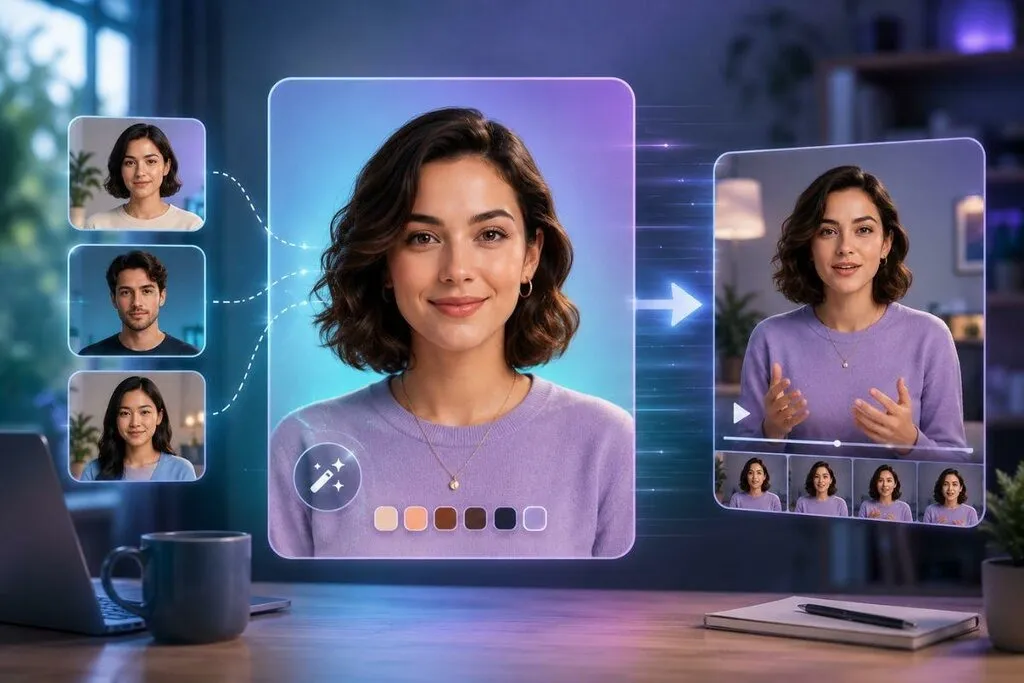
I started looking at AI video workflows because they make this process lighter. Instead of booking a studio every time, I can begin with a portrait, a campaign visual, a character image, or a prepared scene. If the subject needs to change, a face swap workflow can help test a different person or character look without rebuilding the whole visual from the beginning.
Why Personalized Video Is Difficult to Produce at Scale
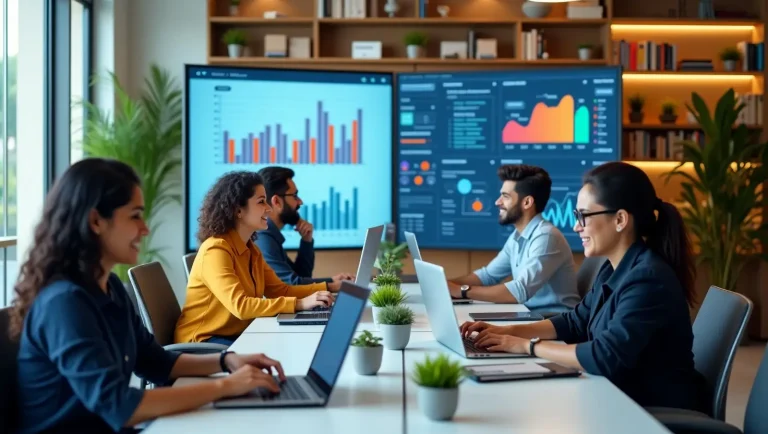
Personalized content works because it feels more specific. A video with the right face, tone, and visual style can feel closer to the audience than a generic creative. The challenge is scale. Making one video is manageable. Making ten versions for different platforms, markets, or campaign angles is where production becomes heavy.
This is the problem I see most often with small teams. They have ideas, but every idea requires another shoot. Even a short spokesperson-style clip needs lighting, a camera setup, a location, someone on screen, and editing time. That slows down testing.
AI does not remove the need for creative judgment, but it gives teams a faster way to explore versions before committing to bigger production. I see it as a testing layer: create several concepts, compare them, and keep the ones that feel worth developing.
Where Face Editing Fits in the Workflow
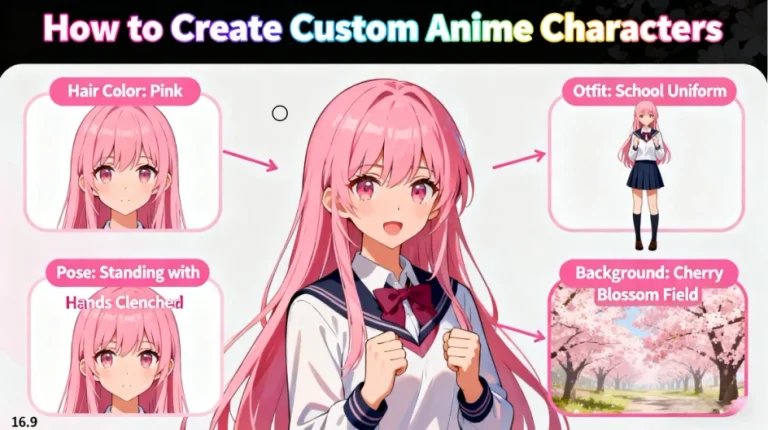
Face editing is useful when the creative concept is already close, but the subject needs to change. Maybe the campaign needs a different spokesperson style. Maybe the creator wants a consistent avatar across several scenes. Maybe a character concept needs to be tested with different looks.
I would not use face editing randomly. The best results come when the visual conditions make sense. Face angle, lighting, expression, and resolution all matter. If the face does not match the scene, the result can feel unnatural quickly.
Here is how I usually judge whether the input is suitable:
| Detail I check | Why I check it |
| Face angle | The new face should match the pose |
| Lighting direction | Mismatched light makes edits obvious |
| Image quality | Low resolution creates rough edges |
| Expression | Extreme expressions are harder to blend |
| Scene style | The face should fit the overall visual |
When these details are aligned, the edited image usually looks more believable and gives a better base for animation.
Adding Motion After the Visual Is Ready
Once the image or character version looks right, I focus on motion. A still image can work as a thumbnail or concept, but a short moving clip is usually more useful for social posts, ads, and landing pages.
This is where image animation becomes useful because it can turn a portrait or character image into a moving clip with subtle facial movement, camera motion, or expression changes.
I prefer subtle animation for personalized videos. A small head movement, a blink, a light smile, or a gentle camera push often looks more natural than dramatic motion. If the video is meant for an ad or professional page, too much movement can reduce trust. If it is meant for a meme or entertainment post, a more expressive motion may be fine.
A Practical Workflow I Would Use
I like to keep the process modular. That makes it easier to control the result.
| Stage | What I focus on |
| Concept | Who should appear in the video and why |
| Face editing | Whether the subject or character needs a new look |
| Animation | What kind of motion supports the message |
| Editing | Captions, voiceover, crop, pacing |
| Review | Face edges, eyes, mouth, lighting, overall realism |
This workflow helps because each step has a clear purpose. I do not want to animate an image before I know whether the subject is right. I also do not want to add captions or voiceover before the motion feels stable.
For small teams, this can save time. One prepared visual can become several personalized versions. One version may feel more like a spokesperson video. Another may work as a creator intro. Another may become a short ad variation.
Use Cases That Feel Practical
The strongest use cases are not random novelty edits. They are situations where personalized video can support a real content goal.
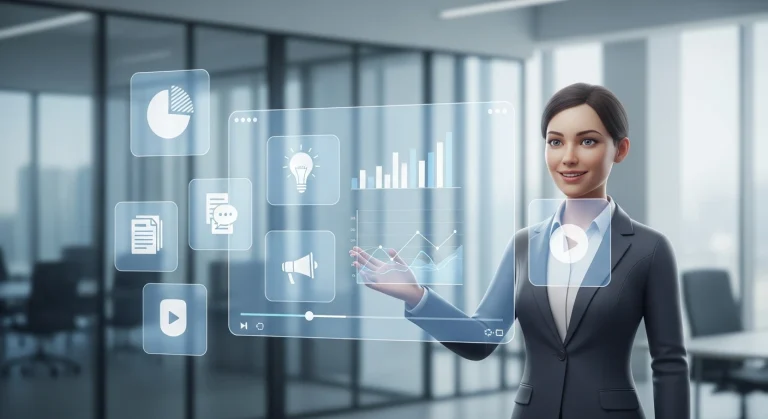
A creator can use this workflow to create a moving avatar for intros, channel branding, or short updates. A small business can test different spokesperson concepts before filming a real campaign. A marketing team can create lightweight ad variations for different audiences. A brand with a mascot or fictional character can turn that character into short video assets for social media.
I would also use it for product explanation clips where the visual does not need a full studio shoot. A simple animated spokesperson-style visual, paired with captions or voiceover, can be enough for testing a campaign angle.
How I Keep the Results More Natural
The biggest mistake is trying to do too much in one clip. Personalized AI videos work better when the motion is controlled. If the face changes too much, the expression becomes too dramatic, or the camera moves too aggressively, the clip can feel artificial.
I usually keep the clip short and check it several times. The eyes and mouth are the first areas I review. If they feel unstable, viewers will notice. Hairlines and face edges are also important, especially when the subject moves.
Lighting is another detail that can make or break the result. If the face looks like it belongs to a different light source than the rest of the scene, the video will not feel natural. This is why I prefer starting with clean, well-lit images instead of trying to fix difficult inputs later.
When This Workflow Is Better Than a Studio Shoot
A studio shoot is still better when the final video needs full control, real acting, complex camera work, or high-end brand polish. I would not claim AI should replace that.
The value of this workflow is earlier in the process. It helps with testing. It helps small teams make more versions. It helps creators produce content more often. It also helps marketers explore different creative directions before spending more budget.
For me, the best use case is not replacing professional production. It is reducing the pressure to make every idea expensive from the start.
Final Thoughts
Creating personalized AI videos without a studio shoot is possible when the workflow is handled carefully. Face editing helps test different subjects or character looks. Image animation adds motion once the visual direction is clear. Together, they give creators and small teams a faster way to produce avatar videos, spokesperson concepts, campaign variations, and short social clips.
The output still needs human judgment. The source image, face match, motion style, crop, and final review all matter. But with a clear process, personalized video content becomes much easier to test, improve, and publish without turning every idea into a full production project.
Also Read: How Specialized Transport Services Are Reshaping Heavy Hauling Logistics